
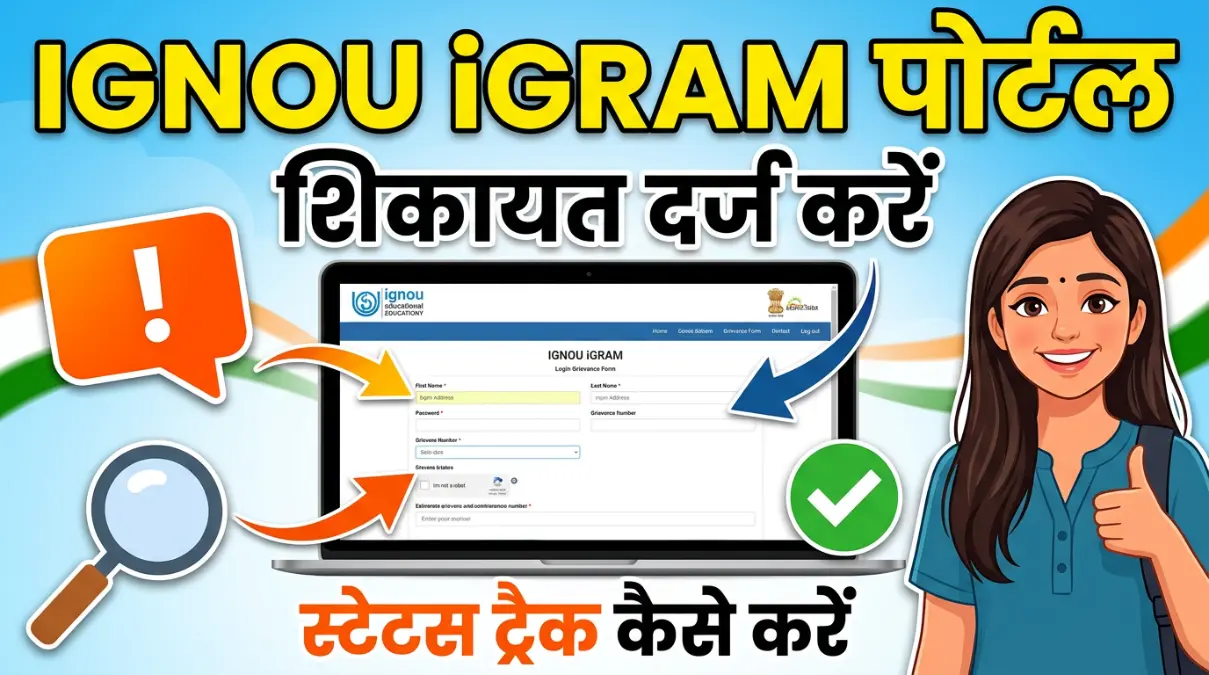
If you are studying at IGNOU and facing any issue related to exams, results, assignments, admission, or certificates, you don’t need to visit the regional centre without trying these methods. You can use the iGRAM Portal of Indira Gandhi National Open University to submit your complaint online.
The iGRAM system is made especially for all IGNOU students so their problems can be recorded and resolved in a proper and transparent way.
What is the IGNOU iGRAM Portal?
iGRAM stands for IGNOU Grievance Redress and Management System. It is an online platform where IGNOU students can register complaints related to academic or administrative matters.
Instead of sending multiple emails or waiting for a response over the phone, students can directly submit their issue on the IGNOU portal and get a reference number for tracking.
When Should You Use iGRAM?
You can use the IGNOU iGRAM portal if you are facing issues such as:
- Assignment marks not updated
- Delay in Term-End Exam (TEE) results
- Grade card errors
- Admission confirmation problems
- Study material not received
- Revaluation queries
- Convocation certificate delay
Whether you are a current student or recently completed your course, you can use this system to raise your concern.
How to Submit a Complaint on IGNOU iGRAM
The process is simple, Follow these steps to ensure your complaint is heard:
- Visit the Official Portal: Go to igram.ignou.ac.in.
- Select Grievance Category: On the homepage, you will see a dropdown menu. Choose the category that matches your problem (e.g., Assignment).
- Select Subject: After choosing the category, select the specific subject (e.g., Non-updation of Marks).
- Fill in Your Details: Click “Next” and enter your Enrollment Number, Name, Programme Code, Regional Centre, and Mobile Number.
- Describe the Issue: Write a clear, short description of your problem.
- Tip: Be factual. For example: “I submitted my BPCC-101 assignment on Oct 15, but it still shows ‘Not Submitted’ in my Grade Card.”
- Upload Documents: If you have proof (like an assignment submission receipt or a screenshot of your Grade Card), upload it as a PDF or an image.
- Submit: Click “Submit.” You will immediately receive a GST Token Number. Save this number!
After submitting, you will get a grievance reference number. Keep this number safe because you will need it to track your complaint.
How to Track Your IGNOU Grievance Status
Once you have submitted your complaint, you can easily track your details.
- Go to the iGRAM Homepage.
- Look for the “Track Grievance Response Status” tab.
- Enter your iGram Token Number.
- Click “Get Status.”
Typically, IGNOU responds within 7 to 15 working days
You can see the latest update regarding your issue. It is also a good idea to check your registered email regularly for replies.
Why iGRAM is Helpful for IGNOU Students
IGNOU has a large number of students from across India and abroad. This makes handling complaints manually difficult. The iGRAM portal helps manage all matters in an organized ways.
It saves time, reduces confusion, and gives students a proper system to follow. If you are facing any genuine issue, using the official iGRAM portal is always the best option.
What to Do If Your Issue Is Still Not Resolved?
If your iGRAM complaint is closed but your problem is not solved, or if you do not receive any reply within 15 days, you can take the following steps:
1. Email the Concerned Department
You can directly email the department related to your issue:
- For result-related problems, email: registrarsed@ignou.ac.in
- For study material or books, email: mpdd@ignou.ac.in
Write your enrollment number, program name, and clearly explain your issue in the email.
2. Contact Your Regional Centre
Send a proper email to your Regional Centre like Patna Mithapur , Delhi (for example: rcdelhi1@ignou.ac.in).
Make sure to mention your iGRAM Token Number in the email. This shows that you have already raised the complaint earlier.
3. Visit Your Study Centre
If the issue is related to assignments or marks, visiting your Study Centre with your submission receipt can help.
Note: The fastest way to correct assignment mistakes or update records is to visit the center directly.
Conclusion
If you use the iGRAM portal correctly, it can be very helpful. If your marks are showing as “Incomplete” or you’re having a learning problem, don’t ignore it for months. Submit your complaint on time and check the status regularly.
Taking action early keeps your academic record clean and up-to-date.
Mara assignment ka marks nahin Chadha hai please check
Kitna din hogya hain
My IGNOU assignment marks have not been updated yet. My enrollment number is 2354494833.”